Back to Rundown ClipperQuick tool
Quick Caption & Watermark
For any video — bodycam, interviews, press conferences, station footage. Add captions, a watermark, and on-screen text, then download a horizontal or vertical clip. The video stays on your computer; only small audio pieces are sent for captioning.
Edit by script
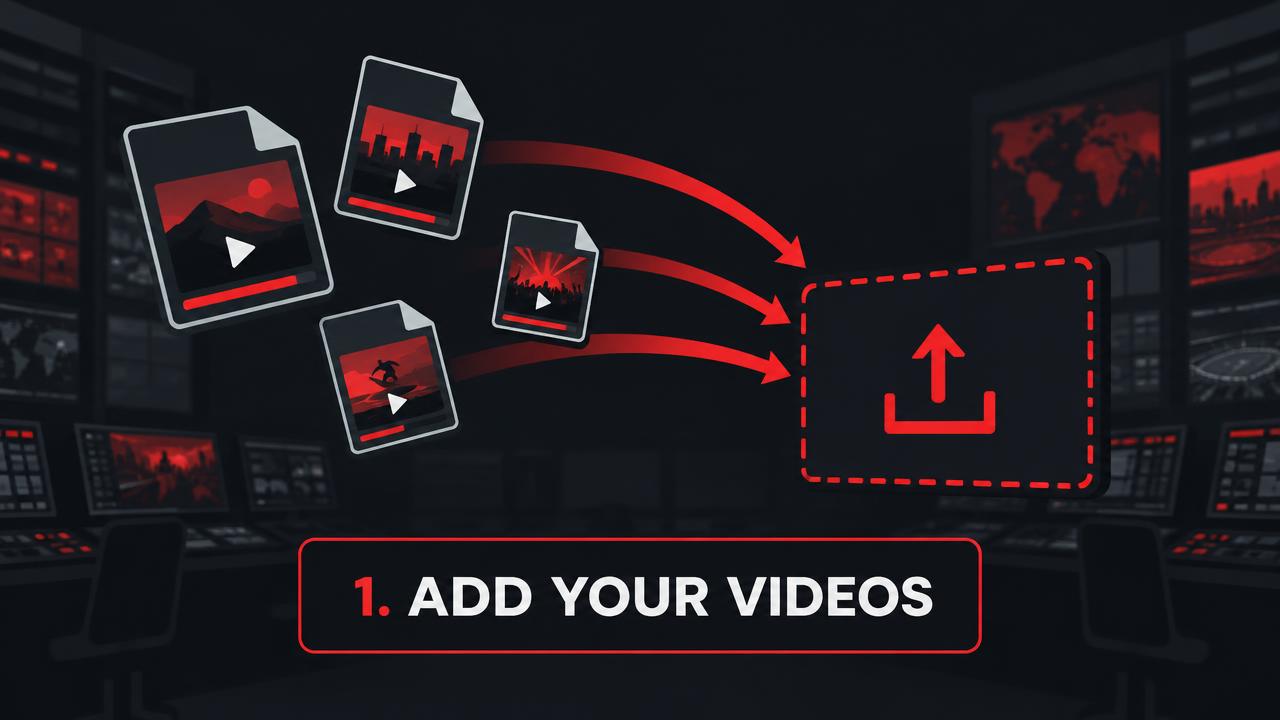
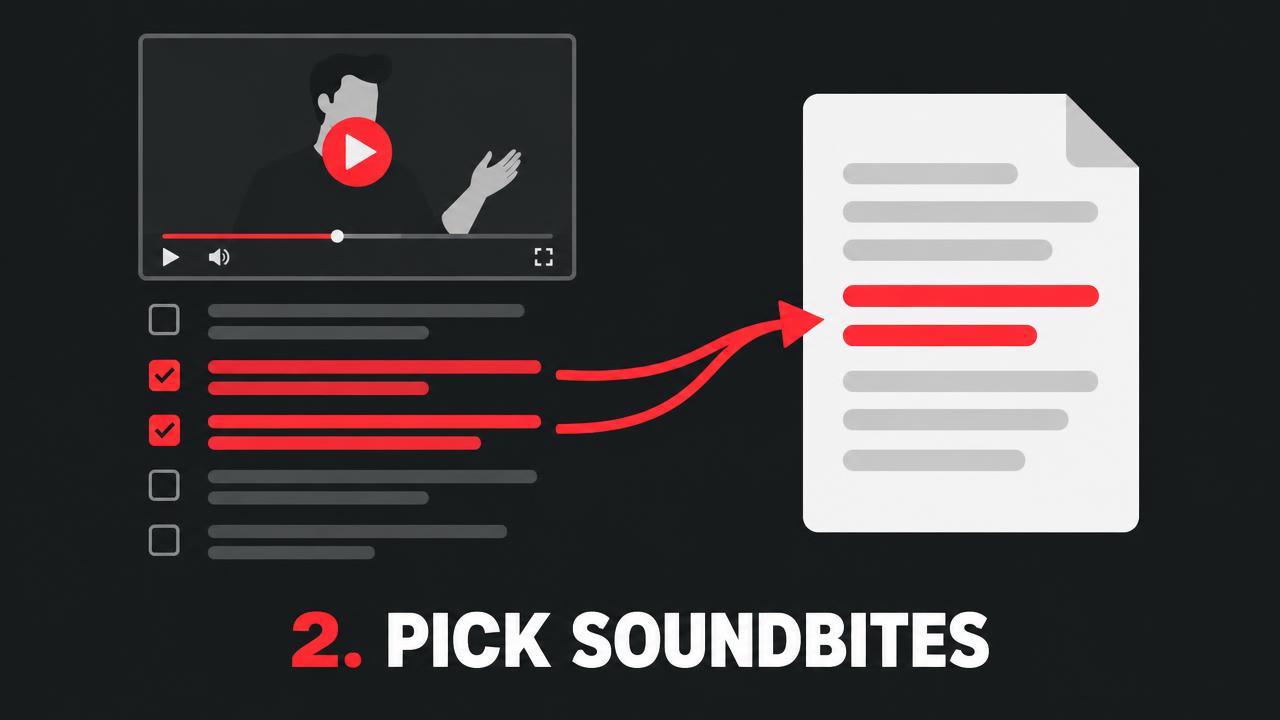
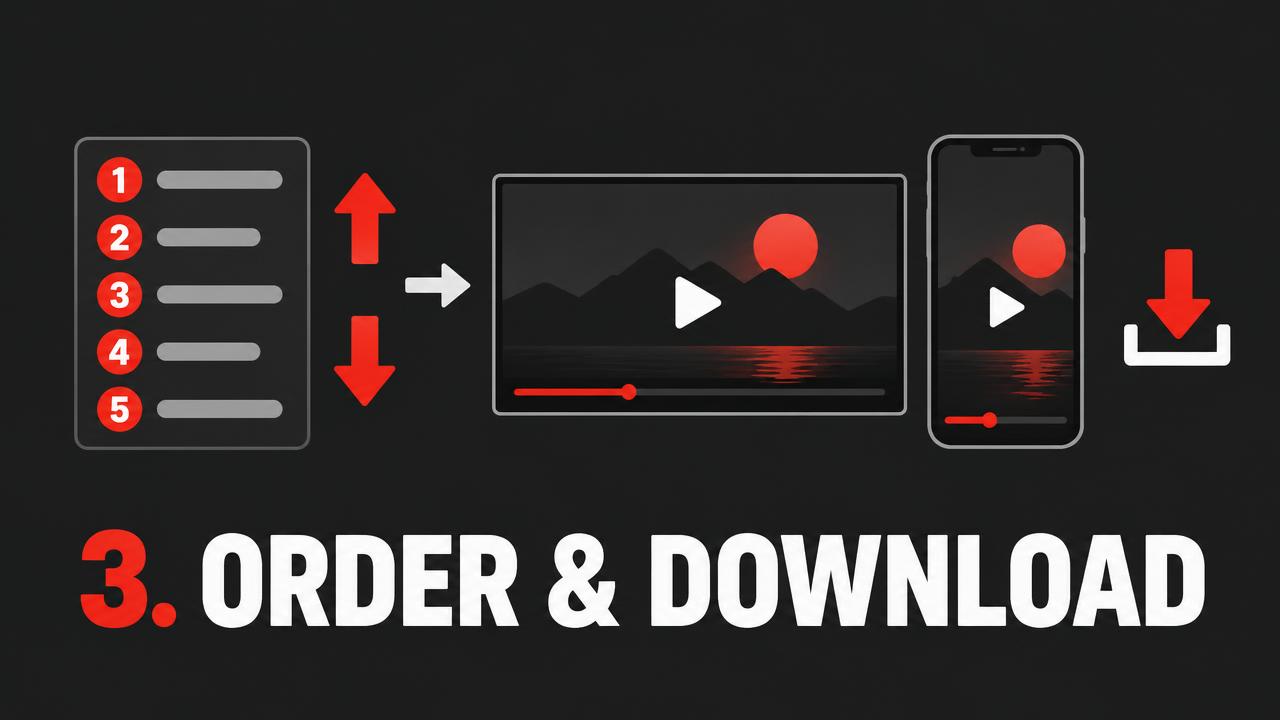
Have several videos? Add them all. Each video gets its own script page — check the lines you want, add them to one main script, put them in order, and download a single finished video, wide or vertical, with captions.
Make sure you have the rights to post the video and that captions are accurate — a person makes the final call before anything goes out.